GuidesSell and get paid
Orders, deliveries and money
Follow every order from payment to delivery, and see what you earned after fees.
4 min read · Updated 8 November 2026
Sales is where your orders and your money live. Home gives you the quick picture, with revenue, orders, buyers, visitors and conversion for today, seven days or thirty days.
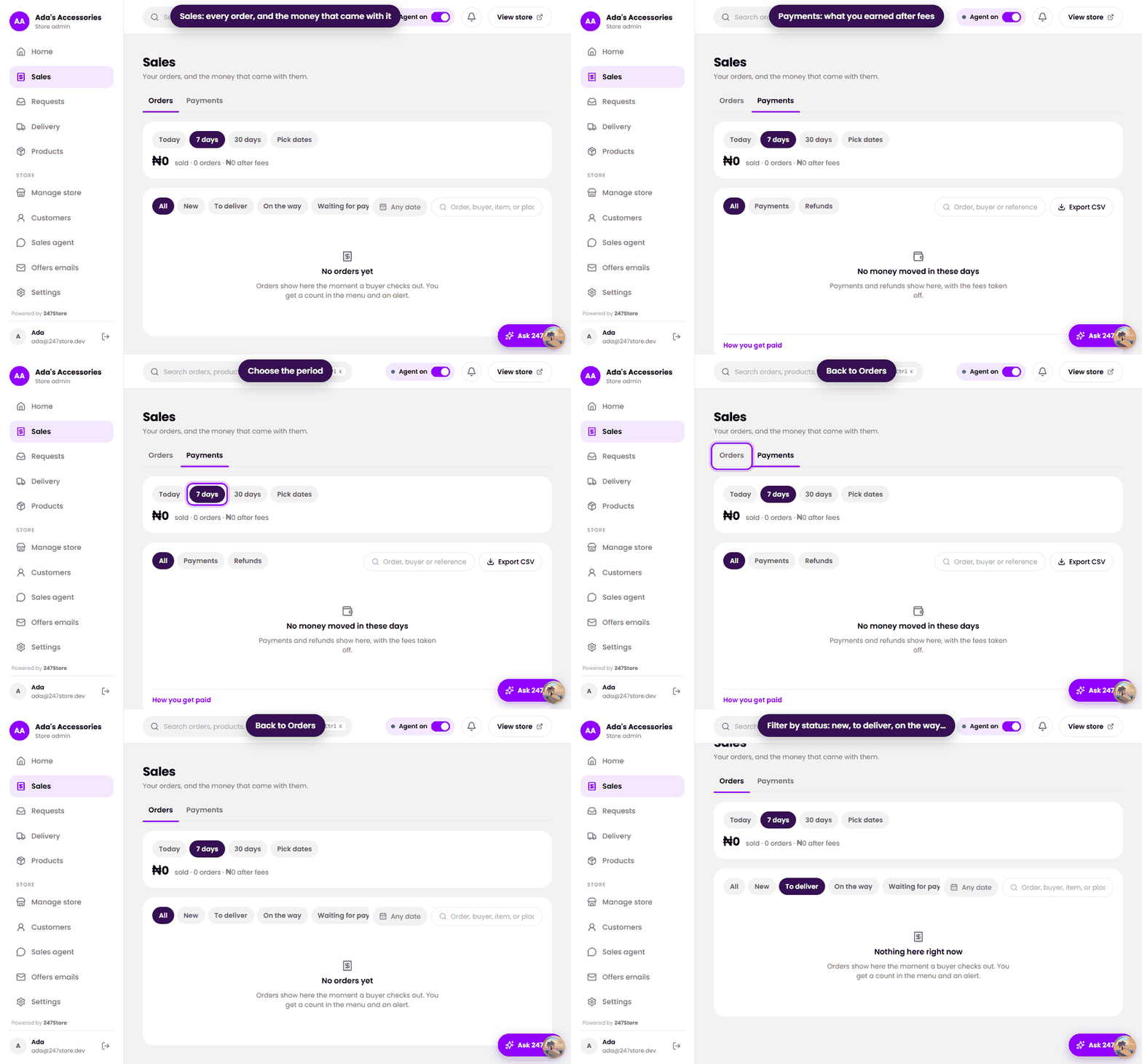
Orders
Orders appear the moment a buyer checks out, and you get an alert and a count in the menu. Pick Today, 7 days, 30 days or Pick dates, then filter by status:
- New, orders that just came in.
- To deliver, paid and waiting for you.
- On the way, marked shipped.
- Waiting for payment, a link was sent but not paid yet. Stock is held for a short time.
- Delivered and Cancelled.
Open an order to see the items, the address and the dates the buyer was told. Set the delivery date and mark it shipped and delivered from the Delivery page. See Delivery.
Payments
The Payments tab shows what you sold, how many orders, and what is left after fees. Below that is a list of every payment and every refund. Each payment shows its amount and how much was taken off in fees (the payment provider’s fee and 247Store’s commission), and each refund you recorded is marked you sent this. Filter the list by All, Payments or Refunds. Your share is paid to your payout account on the payment partner’s schedule.
Home
Home shows revenue and visitors over time, your top products, and recent activity. Visitors are counted without cookies that follow people around, and your own visits to your store from the dashboard are not counted.
Read next
Still stuck? Write to support.